

MICR encoding fonts for bank check printing
Print MICR encoding on bank checks, drafts and other specialized documents from Windows, Mac, Linux, UNIX and DOS systems. IDAutomation’s MICR E13B and CMC-7 fonts follow ISO specifications and come in TrueType, OpenType, PostScript and PCL formats.
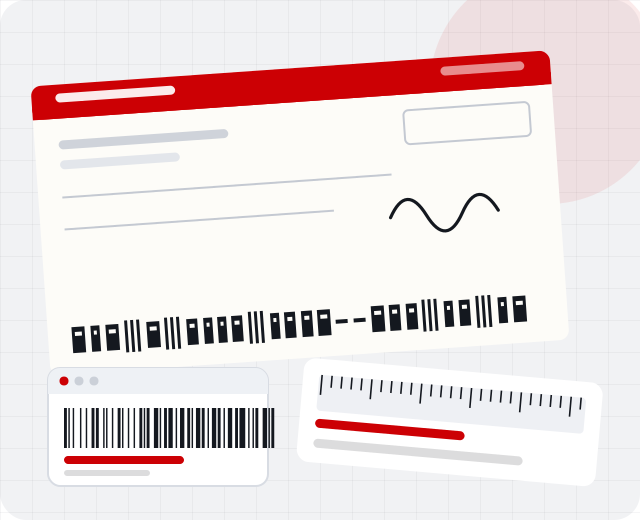
Choose your MICR standard
Both fonts print magnetic and optical character recognition characters on laser or PostScript printers.
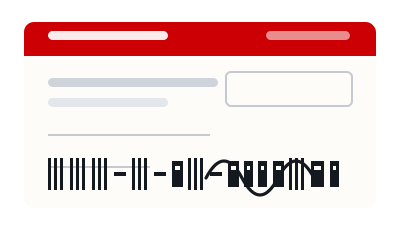
MICR E13B
The standard for bank checks and drafts in the United States, Canada, Puerto Rico, Panama, the UK and a few other countries. The IDAutomationMICR font contains the ten digits 0 to 9 plus four special symbols: transit, amount, on-us and dash.
- Complies with ISO, ABA and ANSI standards
- 24 versions in TrueType, OpenType, PostScript and PCL for different print intensities
- Visual Basic source code included with every order
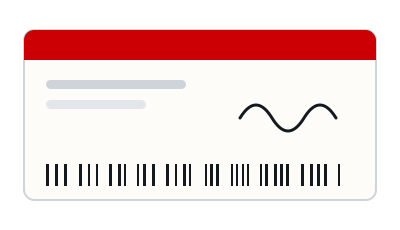
MICR CMC-7
A MICR barcode font for bank checks in Mexico, France, Spain and most Spanish-speaking countries. The IDAutomationCMC7 font contains the ten digits 0 to 9 plus five special symbols.
- Created according to ISO specifications
- 4 versions for different print intensities
- Separate TrueType and PostScript files for Mac systems
Check printing software that prints MICR
IDAutomation provides two bank check printing applications. The Check Design and Printing Software is included with the MICR E13B Font Advantage Package. Barcode Label Software Pro prints MICR checks as graphics, without fonts, and adds barcode printing, VB scripting and database connectivity.
Design checks on blank stock, add signatures and logos, number checks automatically and print barcodes on the same document.
Explore check printing softwareWhat the software handles
- Drag-and-drop check design
- Signature and logo images
- Pre-defined check stock templates
- Incrementing check numbers and date macros
- Barcodes on checks (Label Software Pro)
- Data from Excel, CSV, ODBC, Oracle and SQL Server (Label Software Pro)
From font to finished check
Four things decide whether a bank can read your checks. Read the full printing guide.
- Install the fontChoose TrueType, OpenType, PostScript or PCL for your printer and operating system.
- Print at 12 pointsBanks can only recognize scalable MICR fonts printed at exactly 12 points.
- Use MICR toner and stockPrint on check stock with high-quality MICR toner for reliable magnetic reads.
- Verify placementA placement gauge checks position, print intensity and spacing.
Order securely, download immediately
IDAutomation offers secure, encrypted online ordering by credit card and immediate delivery by download after the order is approved.